Skip to content
PROPLAY Try it in your browser FR
Features
Everything the app does

One app, zones, every view of the market.

Every view is an editor you place in a zone. Plans choose which views you see: nothing hides behind a padlock.

Exploded view3D
Modular

Take it apart,
block by block.

Every zone can be detached, moved or removed. Scroll: the app comes apart before your eyes.

Modules01 – 09
Everything it can do

One app.
Endless possibilities.

Swipe to see all 9 modules.

01

3D views

Corridor, Relief, Tunnel, Seasons… Orbit the session, zoom in, and trade inside it.

02

Lab

Tick backtest, walk-forward, Monte Carlo and portfolio, on your strategies.

03

Order flow

Footprint, large trades, delta and CVD.

04

Liquidity heatmap

The order book as a heatmap: liquidity resting, pulled, and price running through it.

05

Options and GEX

GEX, IV, call / put walls and zero gamma, plus the 3D Surface.

06

Zones and workspaces

Zones you split and move, saved as workspaces. Build your own.

07

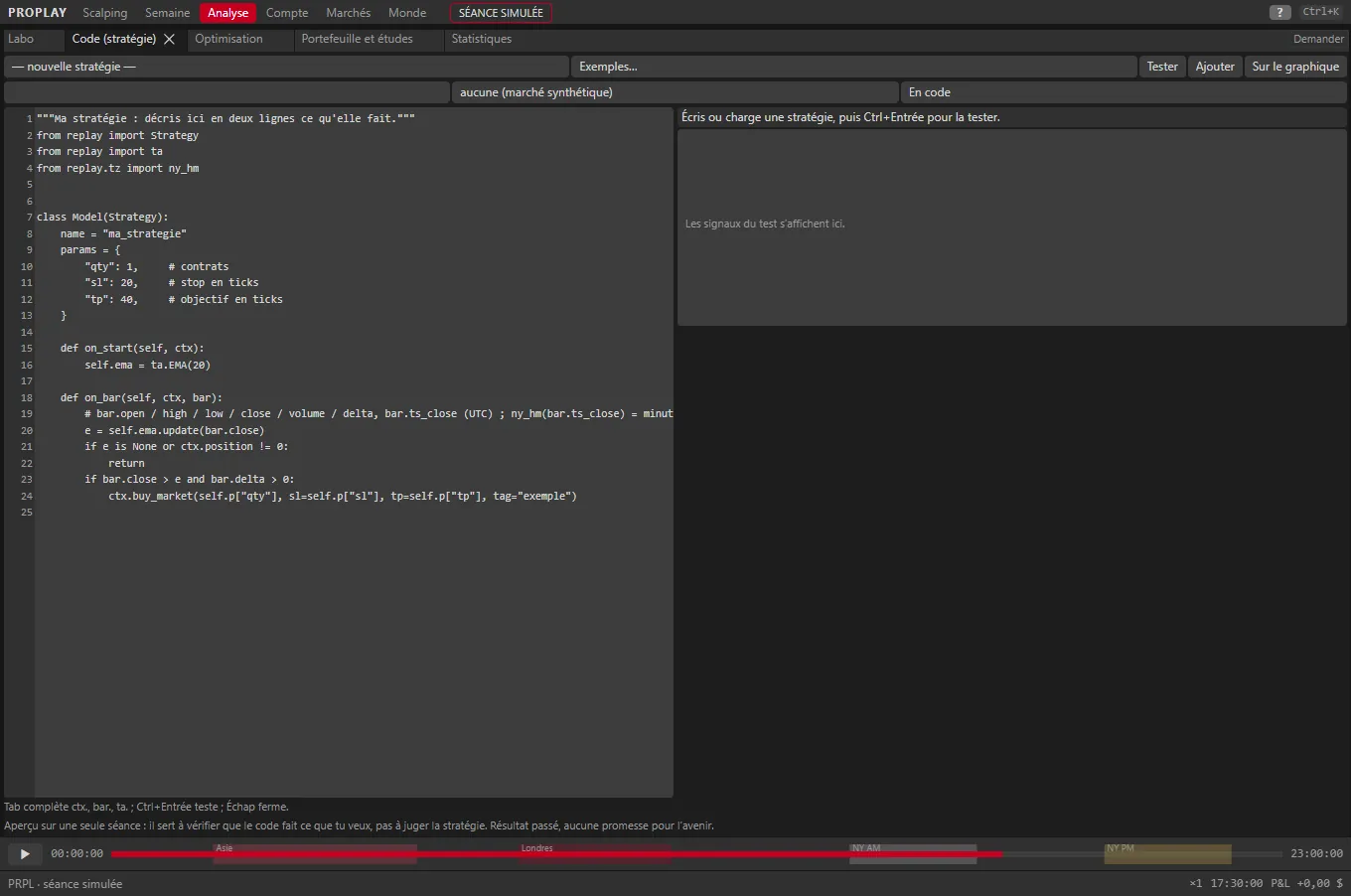
Pine Script

Paste a simple Pine script: it becomes a custom indicator, with a preview.

08

Lookout (AI)

It sees your chart and your position, and answers you. It never places an order.

09

12 prop firms

The real rules, from evaluation to funded account, tracked on every tick.
ReplaySpace · ← →

The market, as if it were happening now.

  • Tick by tick, with timeline, speeds, loop, bookmarks and session jumps
  • Space = play / pause, ← → = one tick, Shift + ← → = one minute, wheel on the timeline = speed
  • Automatic slow-down around events, pause on big trades
  • Hidden mode: no date, no future price, nothing sees ahead
  • Simulated orders: market, limit, stop, SL / TP, breakeven, trailing stop, partial exit
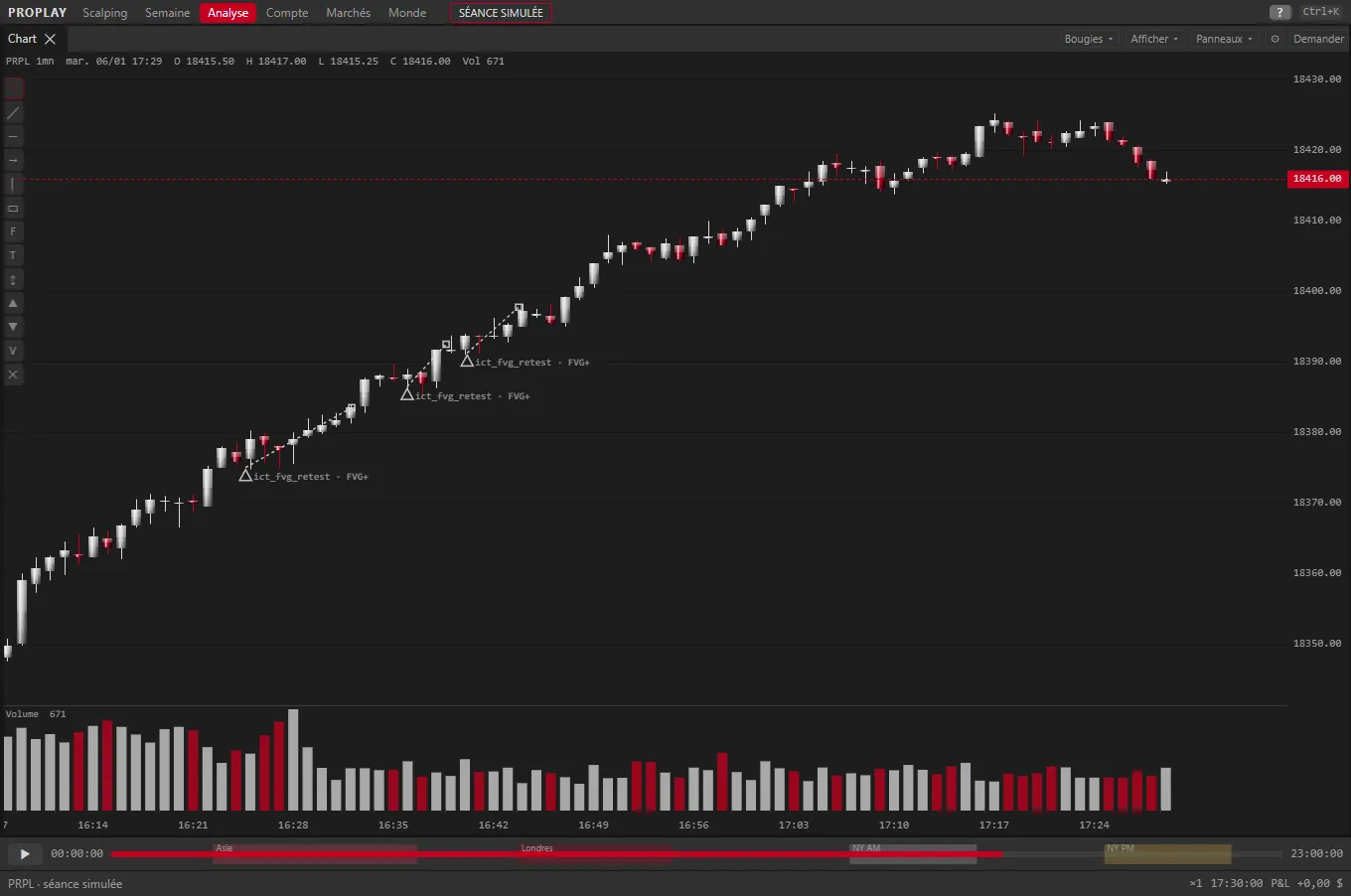
Chart and indicators

Every bar type, 205 adjustable indicators.

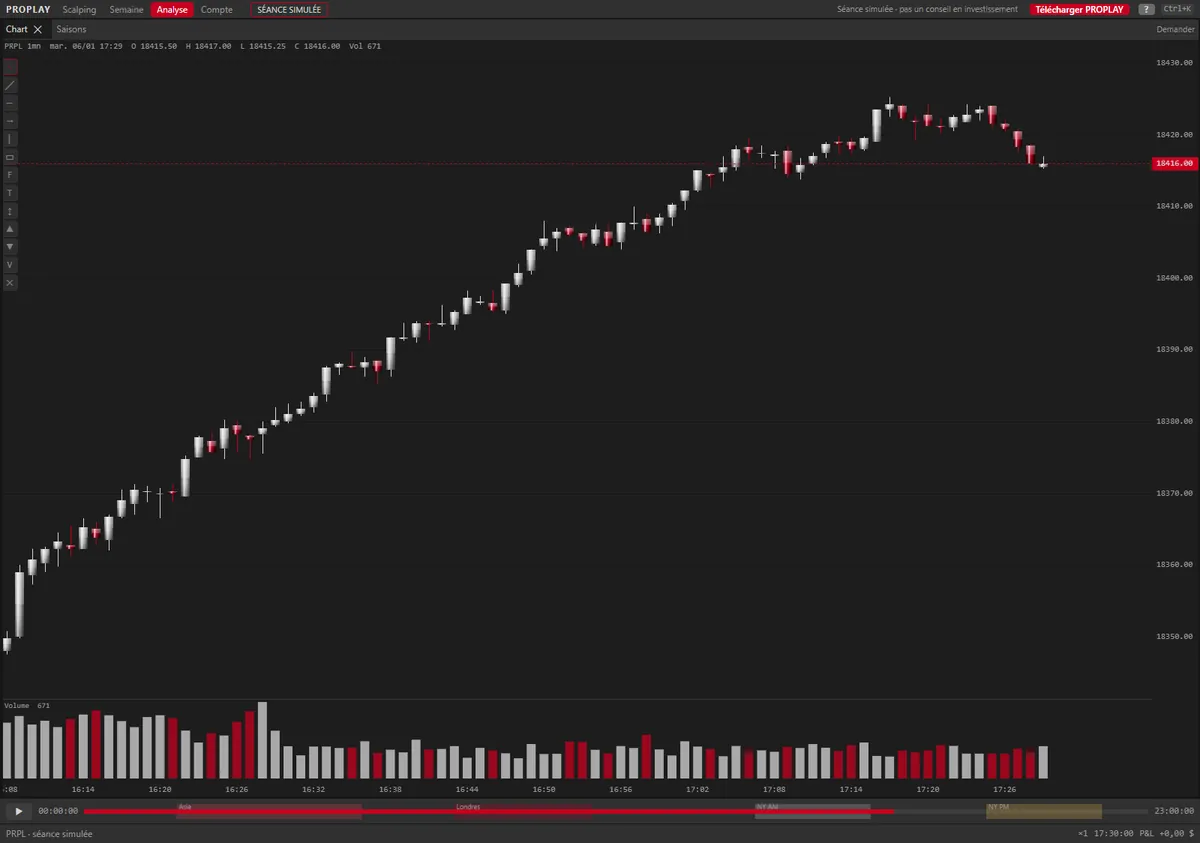
  • Candles, Heikin Ashi, Renko, range, tick and volume, every timeframe
  • Library of 205 adjustable indicators, plus your own
  • Click-anchored VWAP, TPO profile, liquidity zone layers (27), killzones and levels
  • Drawings, position tool with suggested size from your risk and the account margin
  • Orders on the chart: drag the stop, the target or a pending order
Order flowORDER FLOW

The book, the liquidity and every print.

  • DOM with analysis columns: volume at price, buys / sells, recent adds / pulls
  • Liquidity heatmap, Time & Sales, grouped tape
  • Footprint and volume profile (POC, VAH, VAL, imbalances), delta and CVD
  • Liquidity magnifier: best bid / ask refreshes, absorptions, icebergs
  • Iceberg and stop-run detection, cluster search
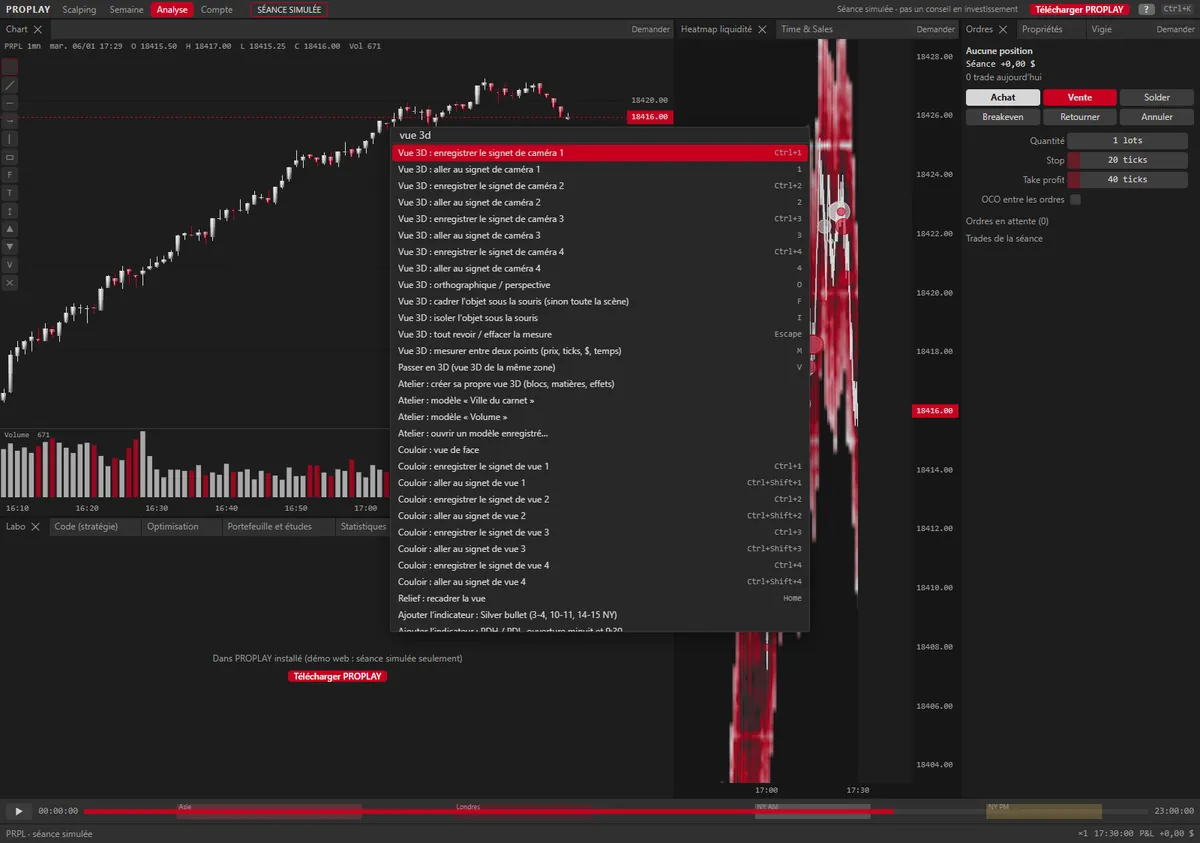
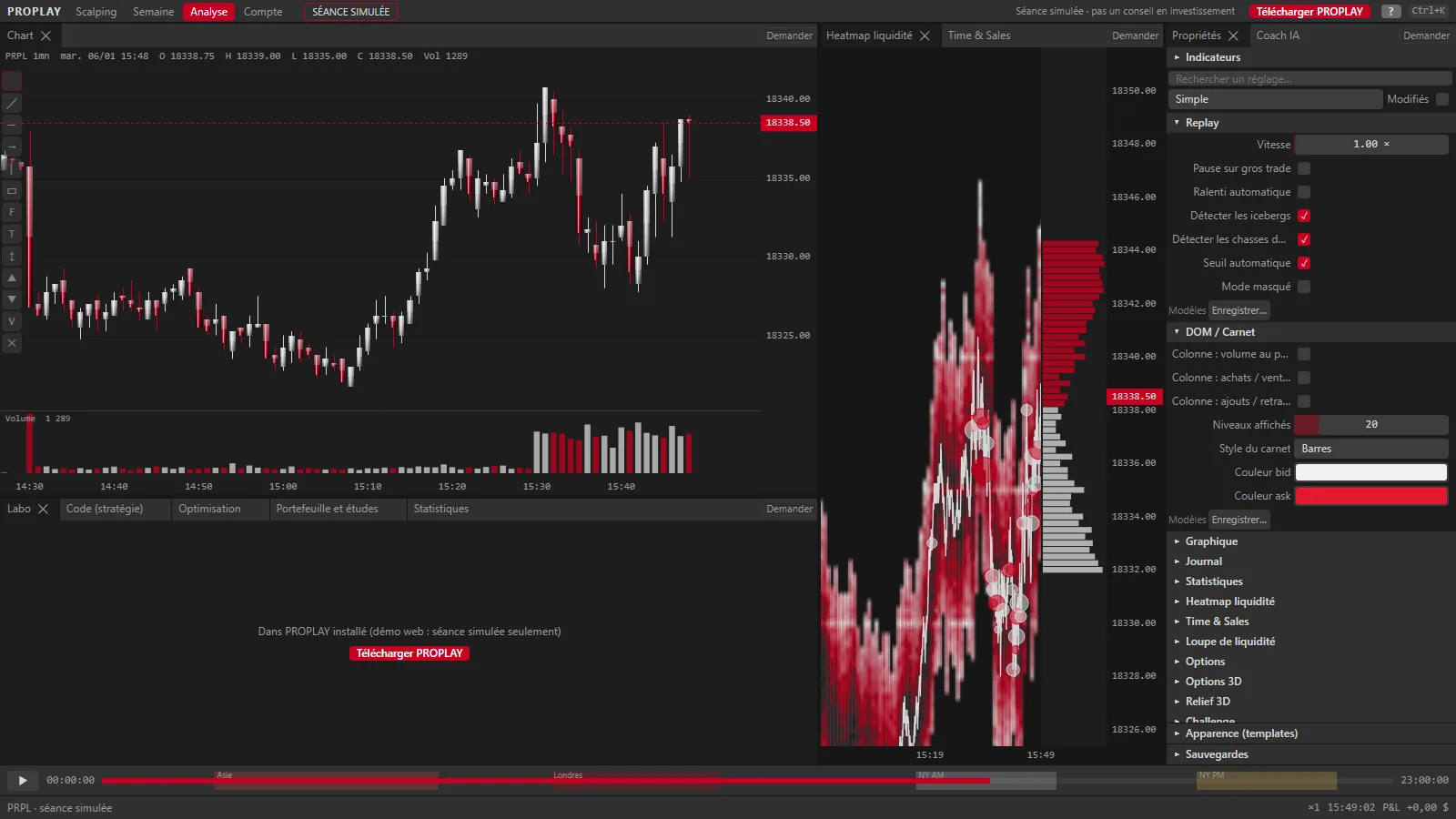
Preview · Analysis workspacePRPL
PROPLAY in the Analysis workspace: chart, liquidity heatmap and Properties panel, on the simulated PRPL session
Chart, liquidity heatmap and Properties, in the chosen style.
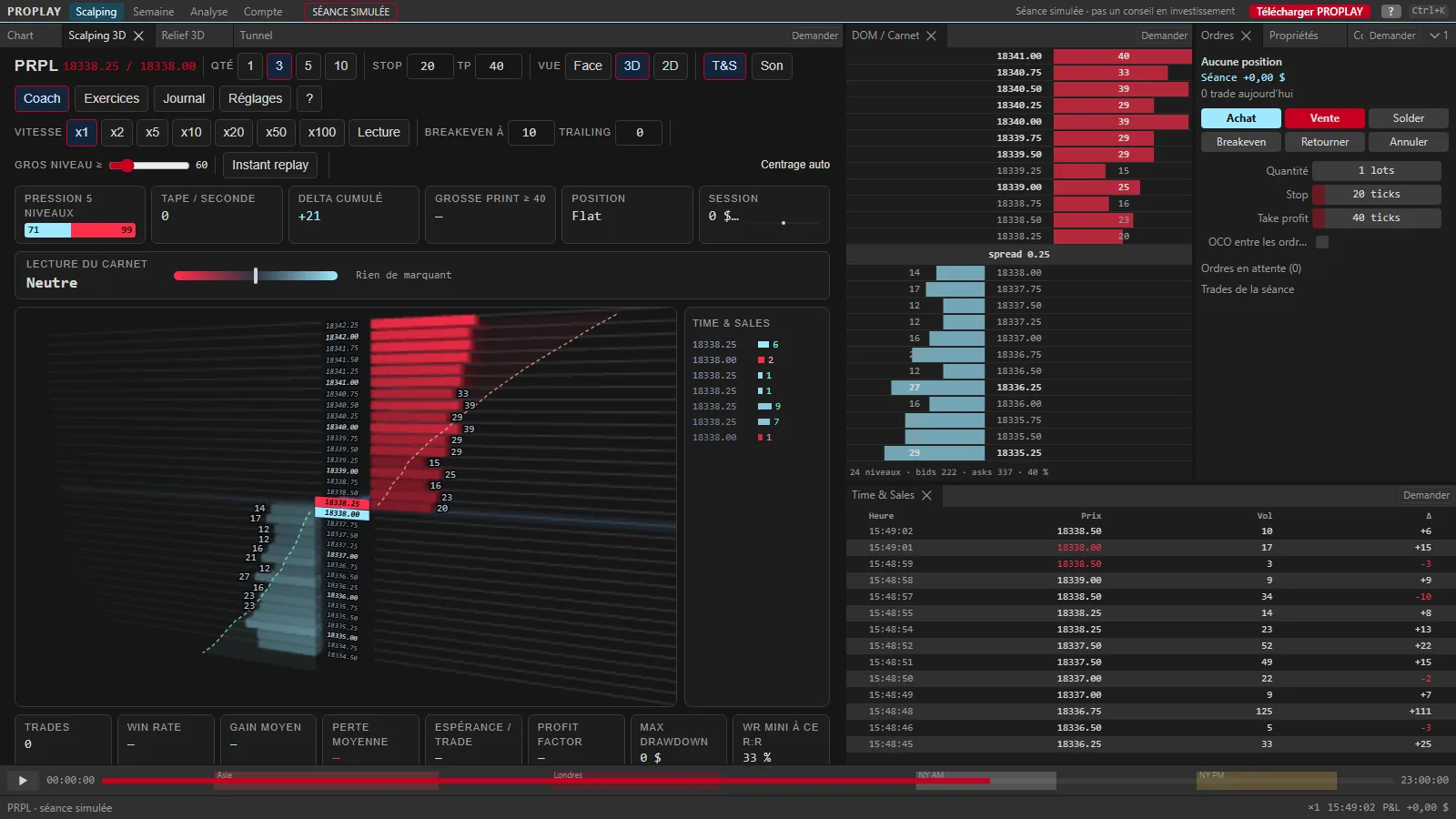
Preview · Scalping workspaceV
Scalping workspace: 3D order book, DOM, Time & Sales and order ticket
Scalping workspace with the Corridor (3D book), simulated PRPL session.
3D viewsORDER FLOW

You don't just look at the 3D: you work inside it.

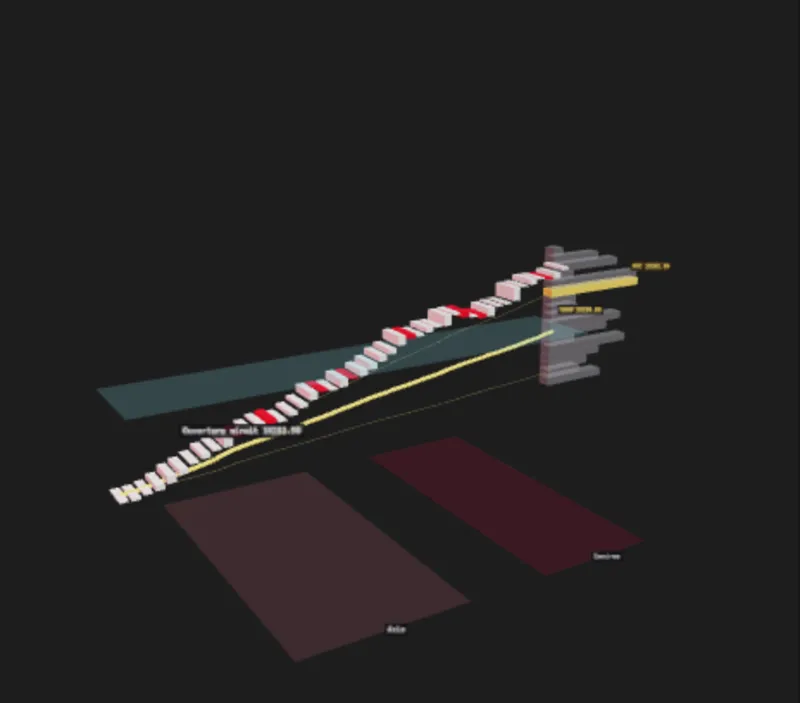
  • Corridor: the book in relief around the price, with the order ticket alongside
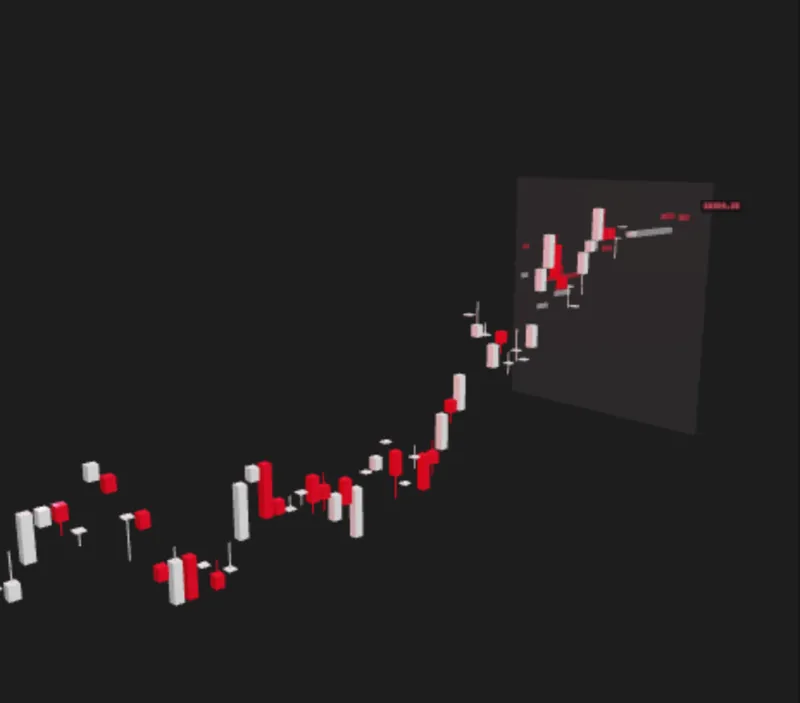
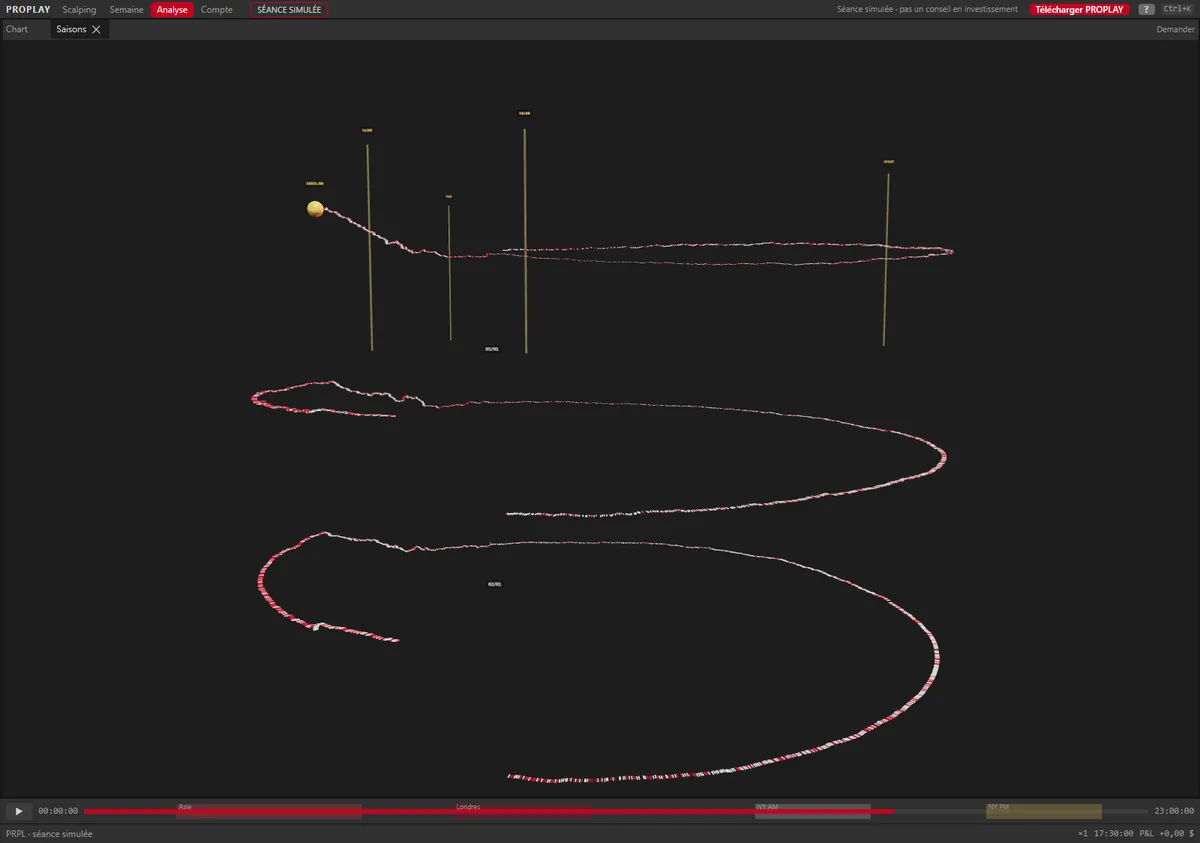
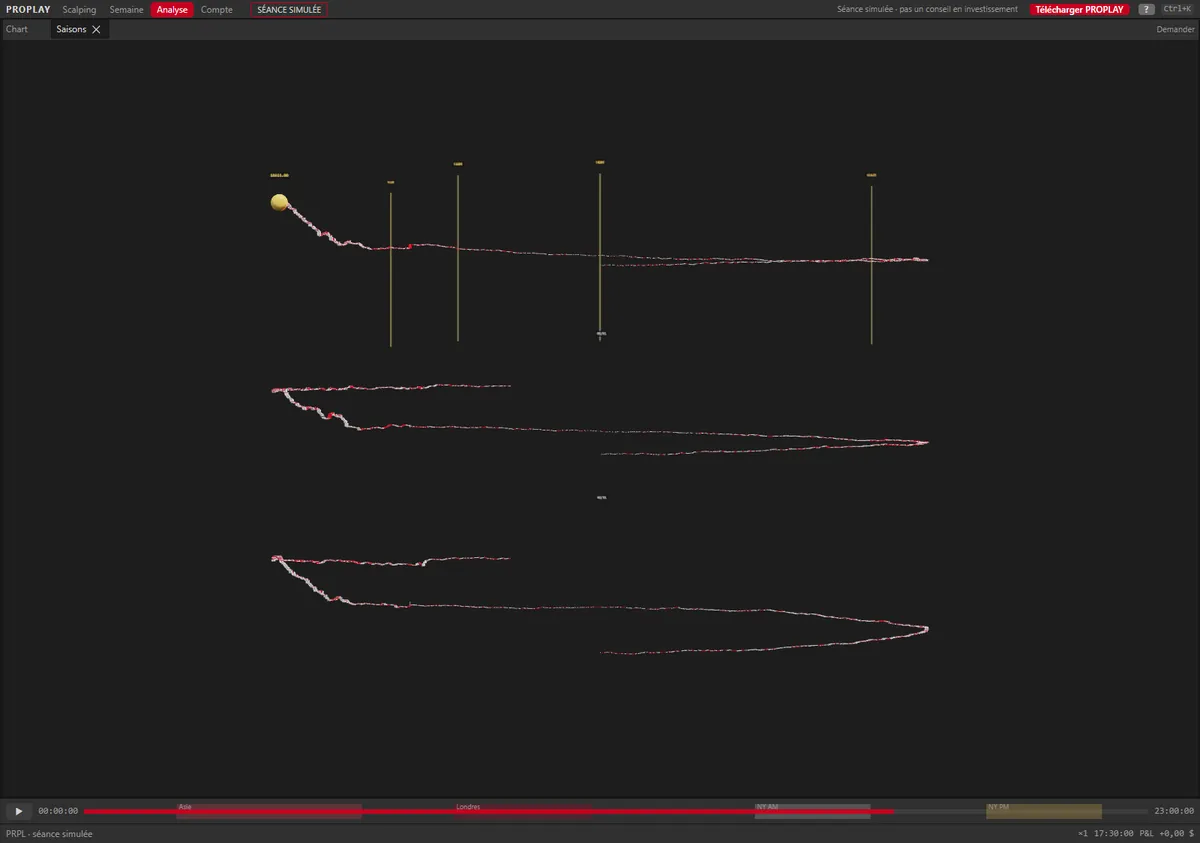
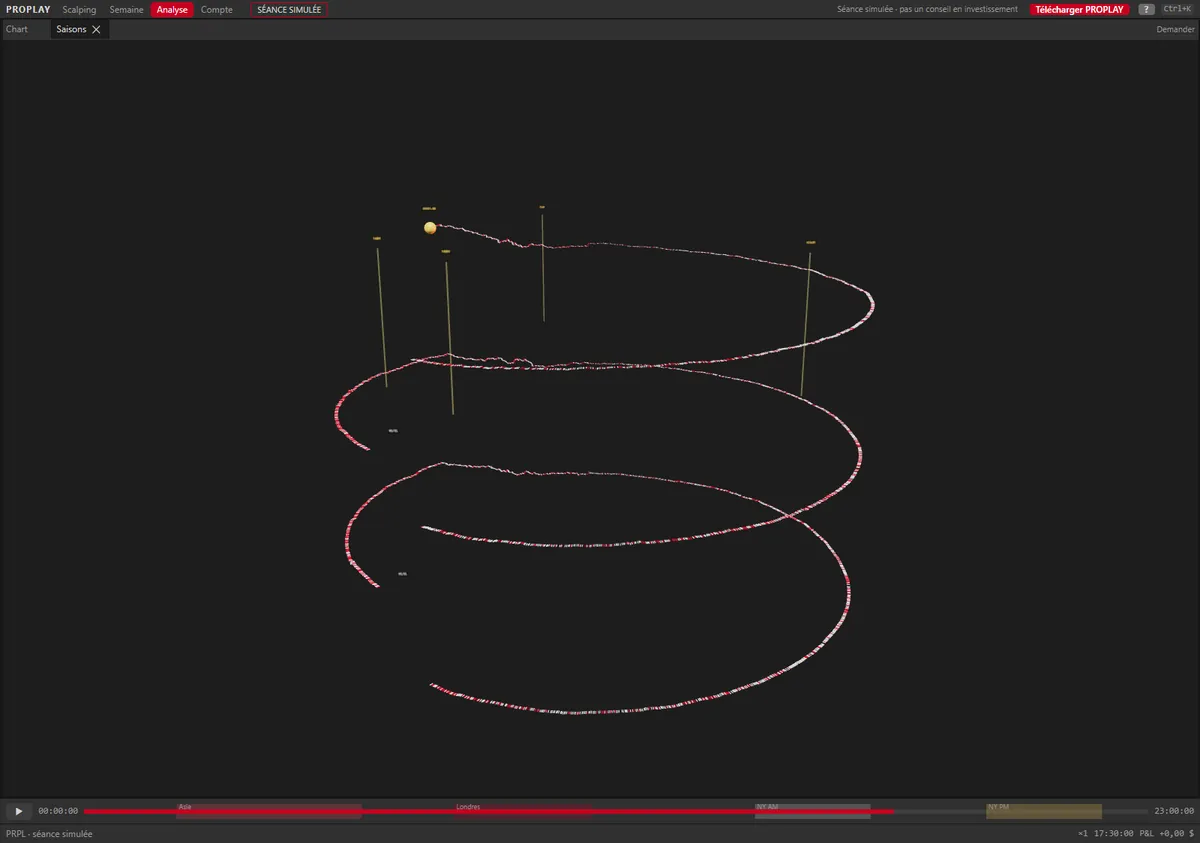
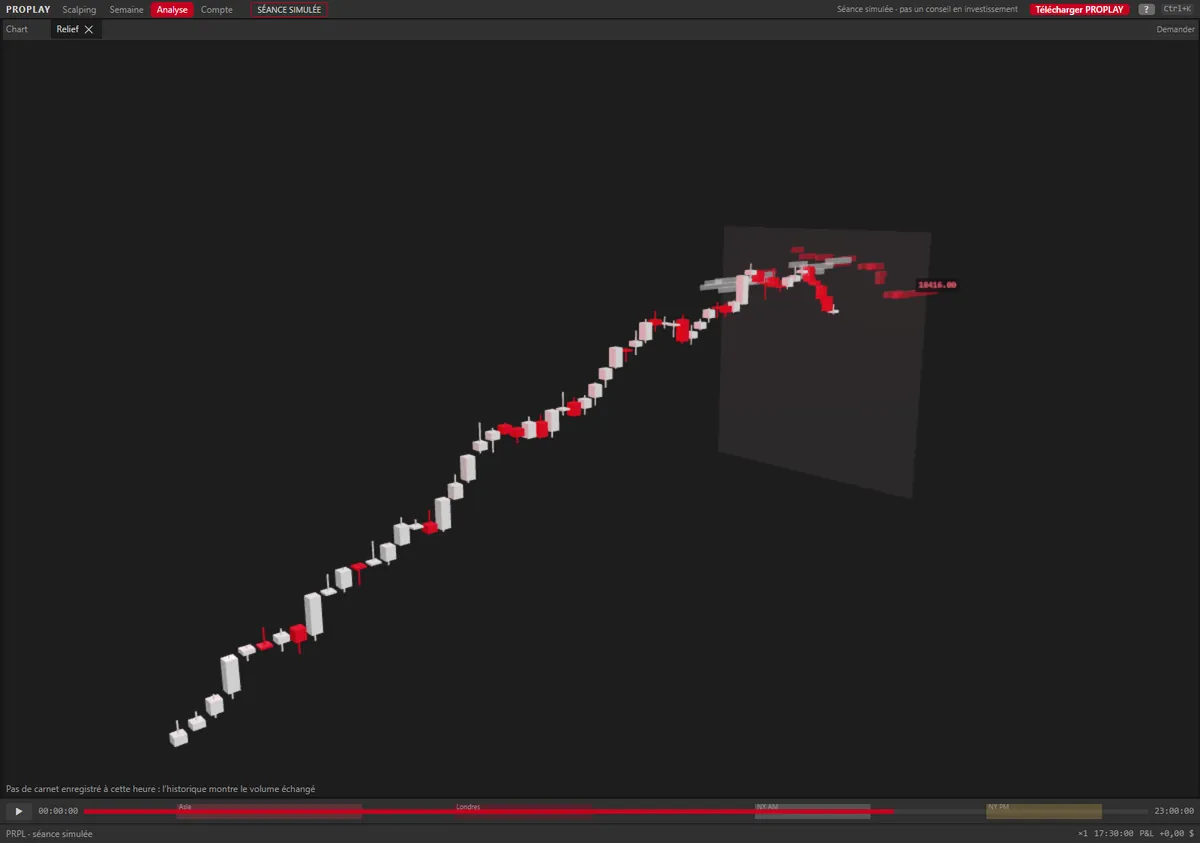
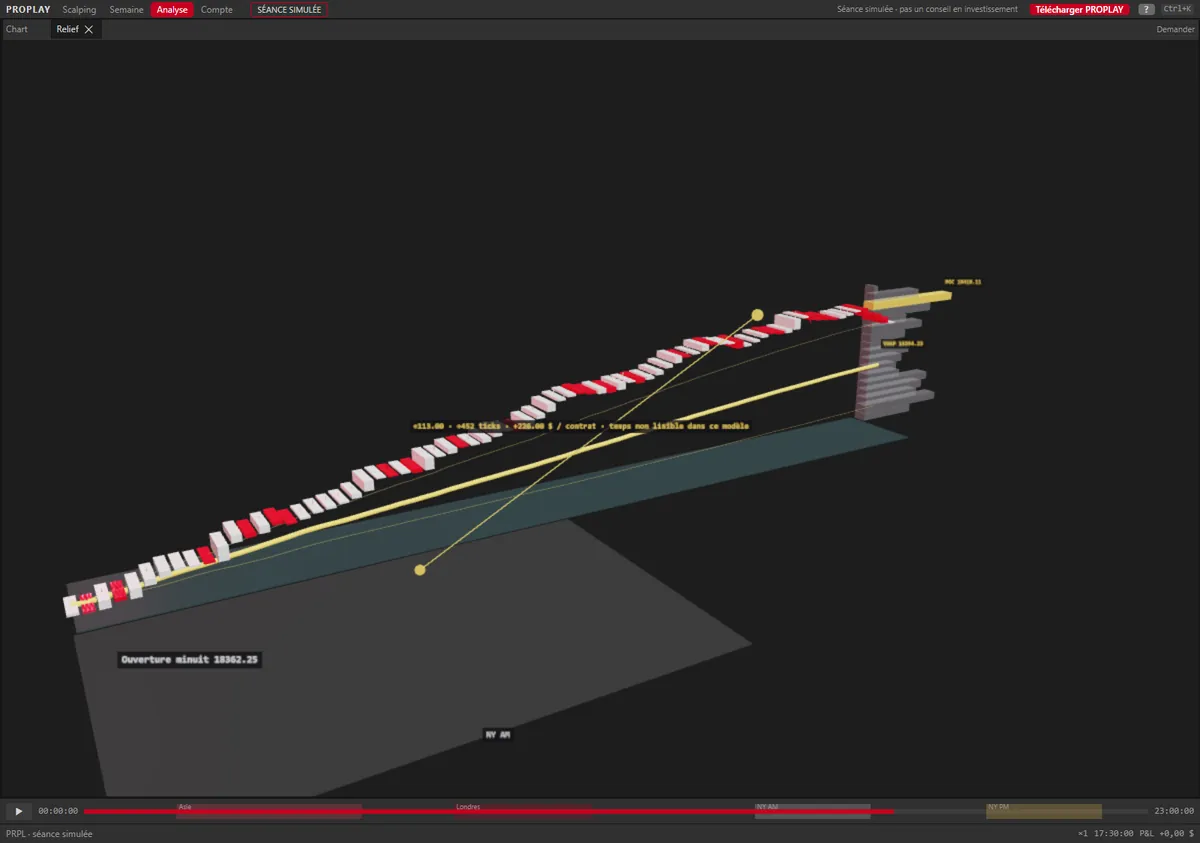
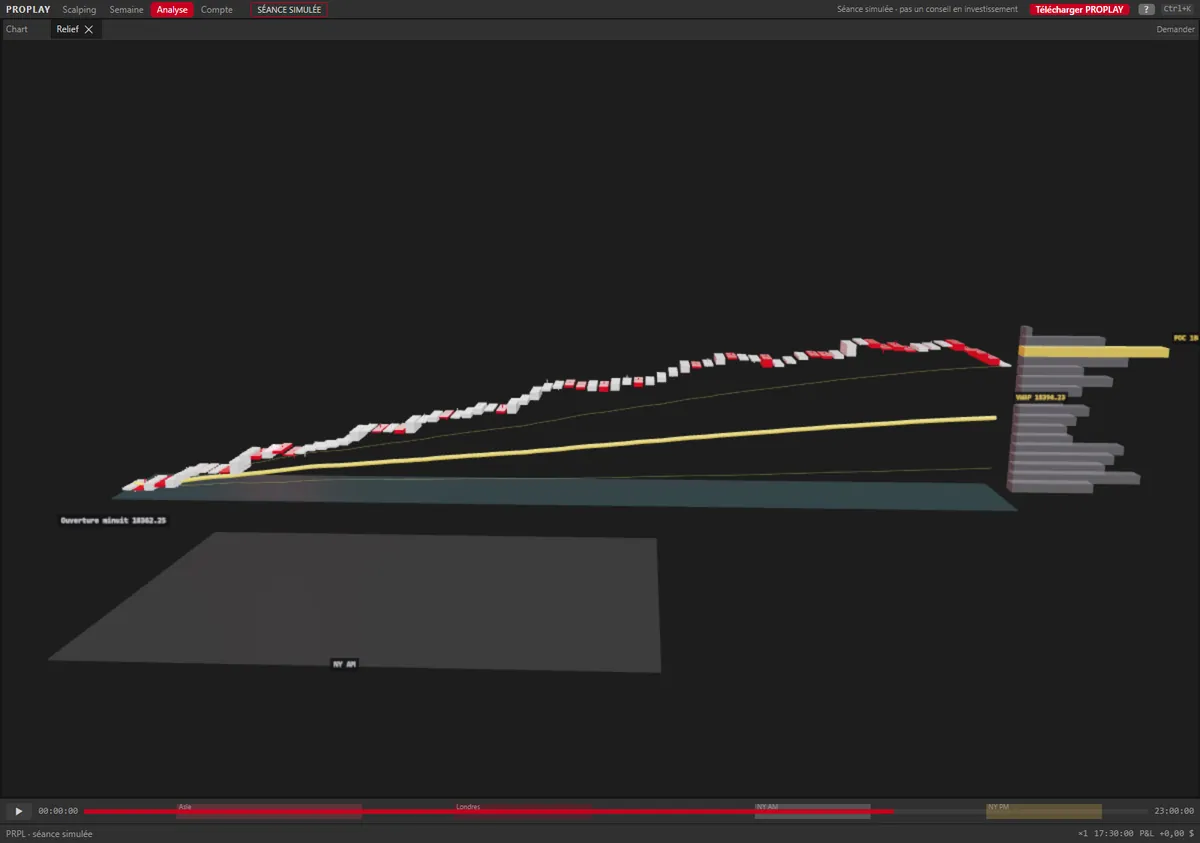
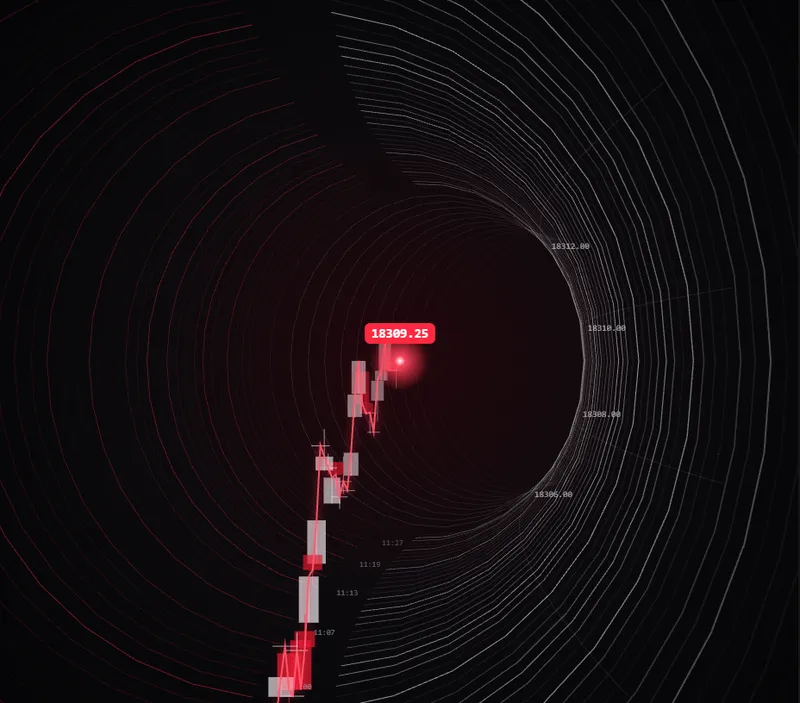
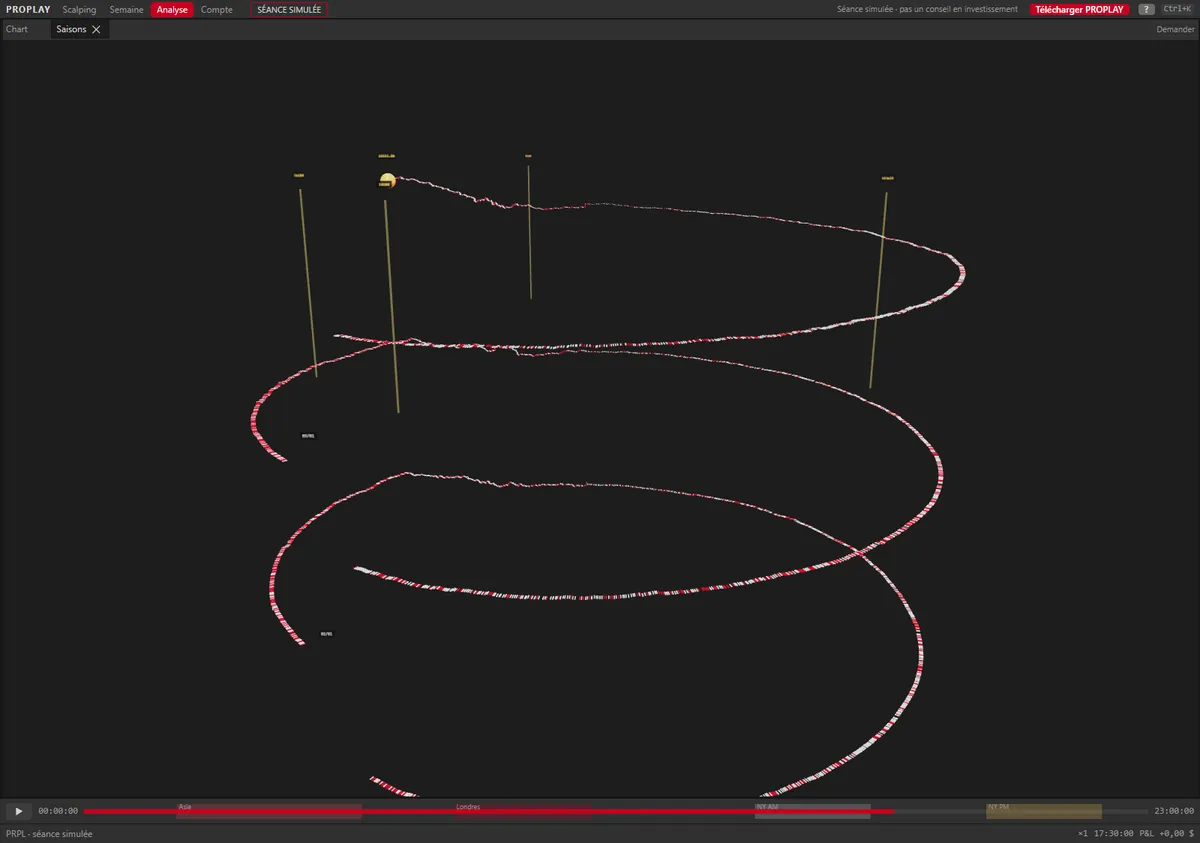
  • Relief (with Cockpit, Valley and Glasshouse), Tunnel and Seasons (Vases, Galaxy, Shell, Tower) to read the session and the week differently
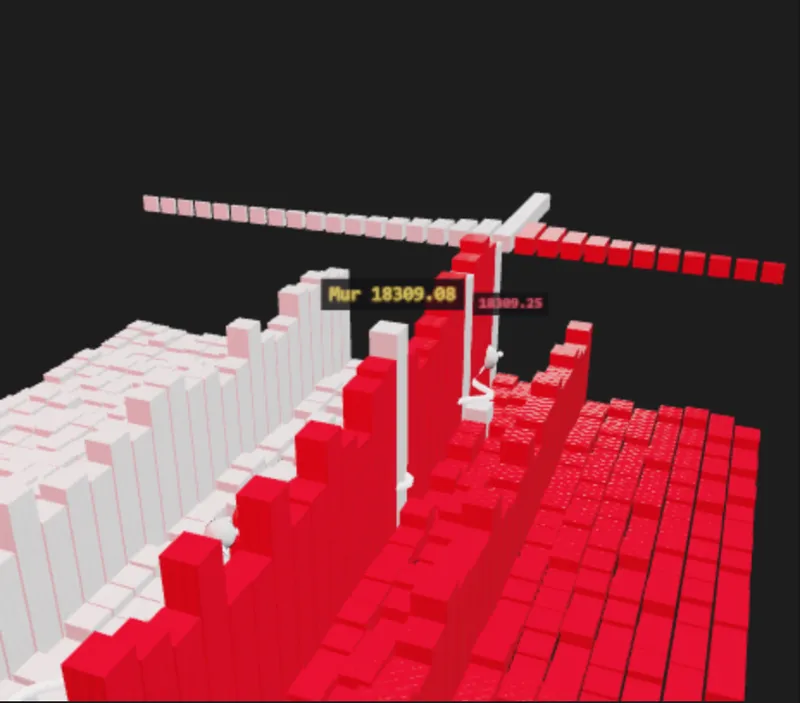
  • Glasshouse: the book in glass bricks, big walls glow, you see through the rest
  • V key: the scene turns into 2D, then back
3D views · capturesPRPL
3D views

The book in relief.
Walk around it.

Valley: the session in relief
Glasshouse: the book in glass bricks
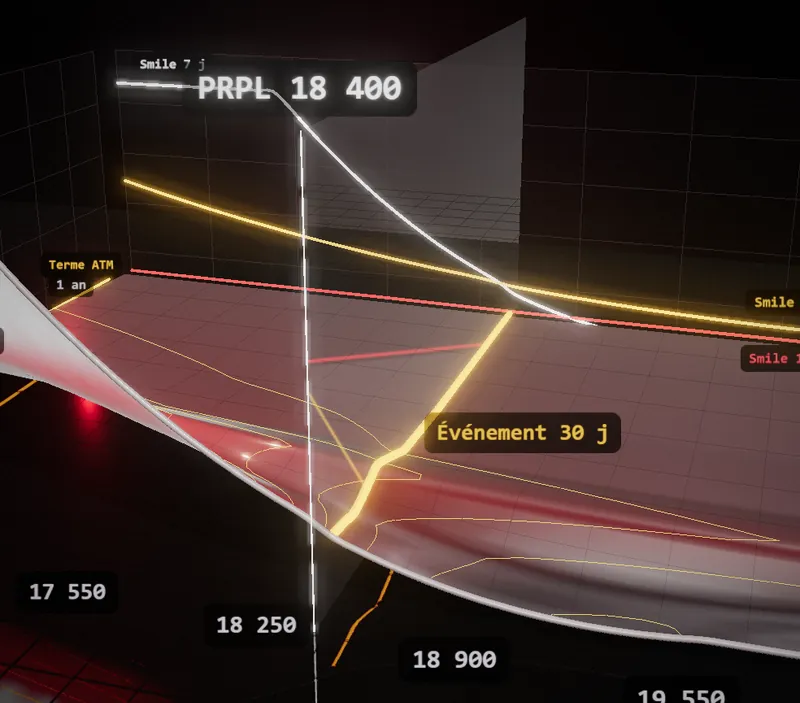
Surface: options as a 3D surface
Workshop: your own 3D scenes

Corridor · Relief · Cockpit · Valley · Glasshouse · Seasons · Vases · Galaxy · Shell · Tower · Tunnel · Workshop · Surface

Screenshots of the real app on the simulated PRPL session (Surface: sample options chain).
From 3D to 2DV
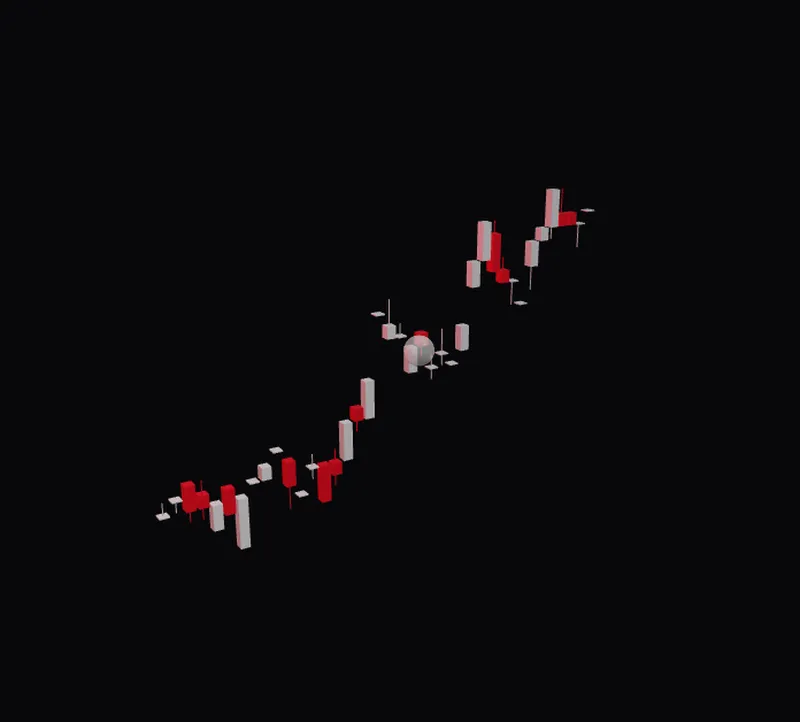
Tower, in 3D
Tower, in 3D
The camera turns to face it
Depth flattens out
Depth flattens out
2D chart, same session
V key

The 3D unrolls
into 2D.

The scene doesn't vanish: it transforms, then comes back. Same cursor, same session.

3D tools3D
3D tools

You don't just look at the 3D.
You work inside it.

Hover or tap a tile marked ⇄: it shows the next step.
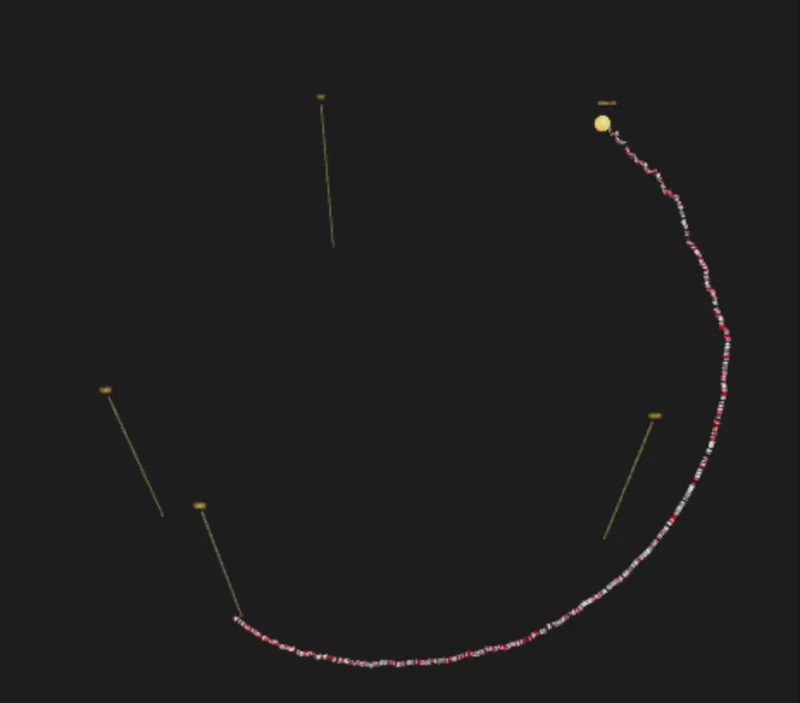
Shell
ShellOne day per turn of the spiral. Next step: the Tower, days stacked up.
Order book relief
Order book reliefBook walls in volume. Next step: the same book in glass bricks (Glasshouse).
Measure
MeasurePress M, two clicks: distance in price, in ticks and in dollars per contract.
Pivot under the mouse
Pivot under the mouseThe view orbits the point you aim at.
Inside the tunnel
Inside the tunnelMove through the session, price all around you.
Command palette
Command paletteCtrl+K or F3: any action in a few letters.

Captures of the real app, simulated PRPL session.
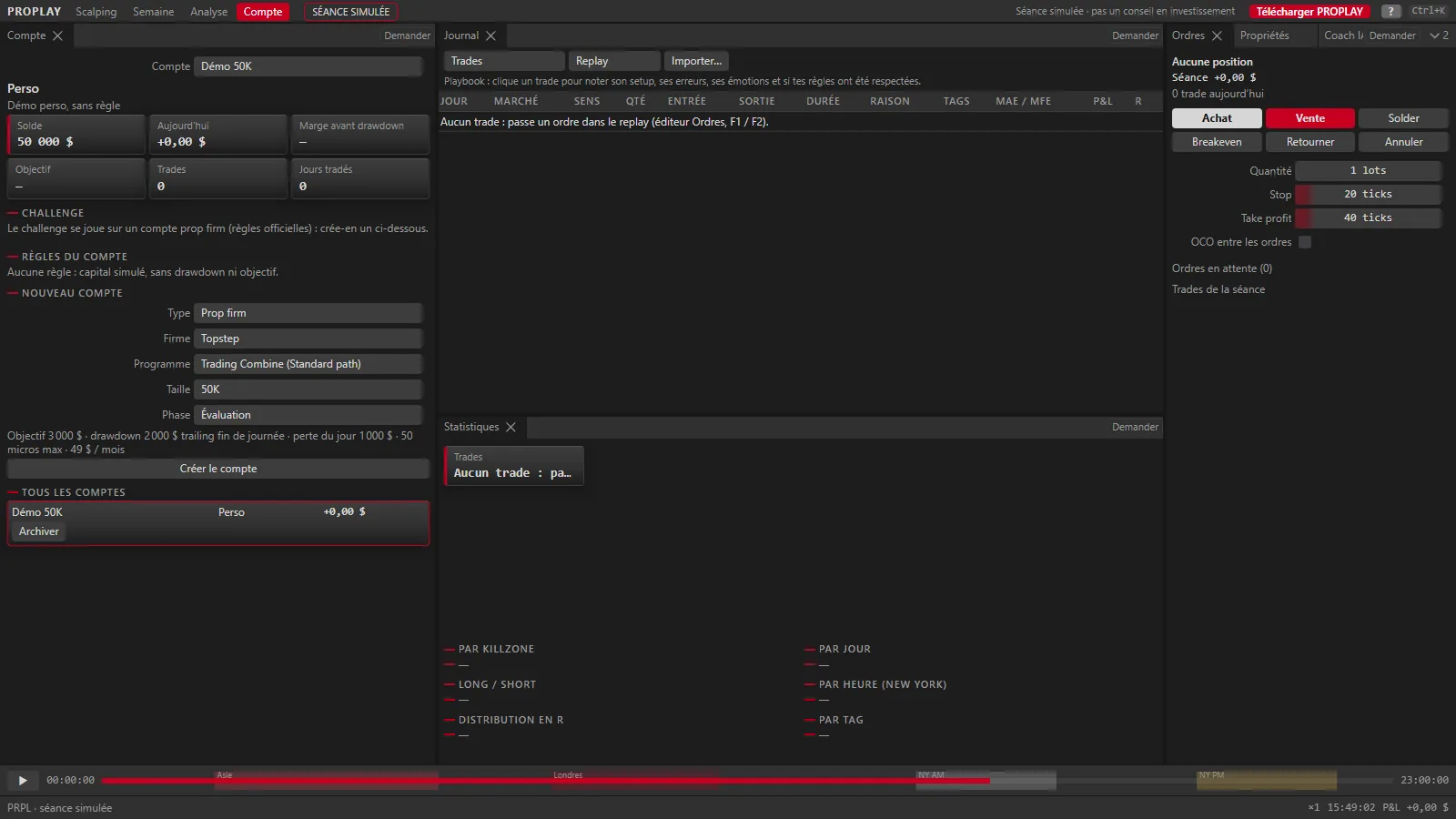
Prop firm and challengeTRADING

Your drawdown, watched on every tick.

  • The official rules of 12 futures prop firms, and the firms' CFD rules
  • Trailing drawdown, daily loss, target, consistency, each firm's hours and news rules
  • Challenge mode: back-to-back sessions, Exam or Practice, resume where you stopped
  • Evaluation → funded → payout path with fees and the net result
  • Survival gauge, suggested size, discipline locks, odds of passing
  • “One trade, five firms”: the same trade judged by several rulebooks
Preview · Account workspacePRPL
Account workspace: simulated prop firm account and its rules
Account workspace, simulated PRPL session.
Bots and LabORDER FLOW

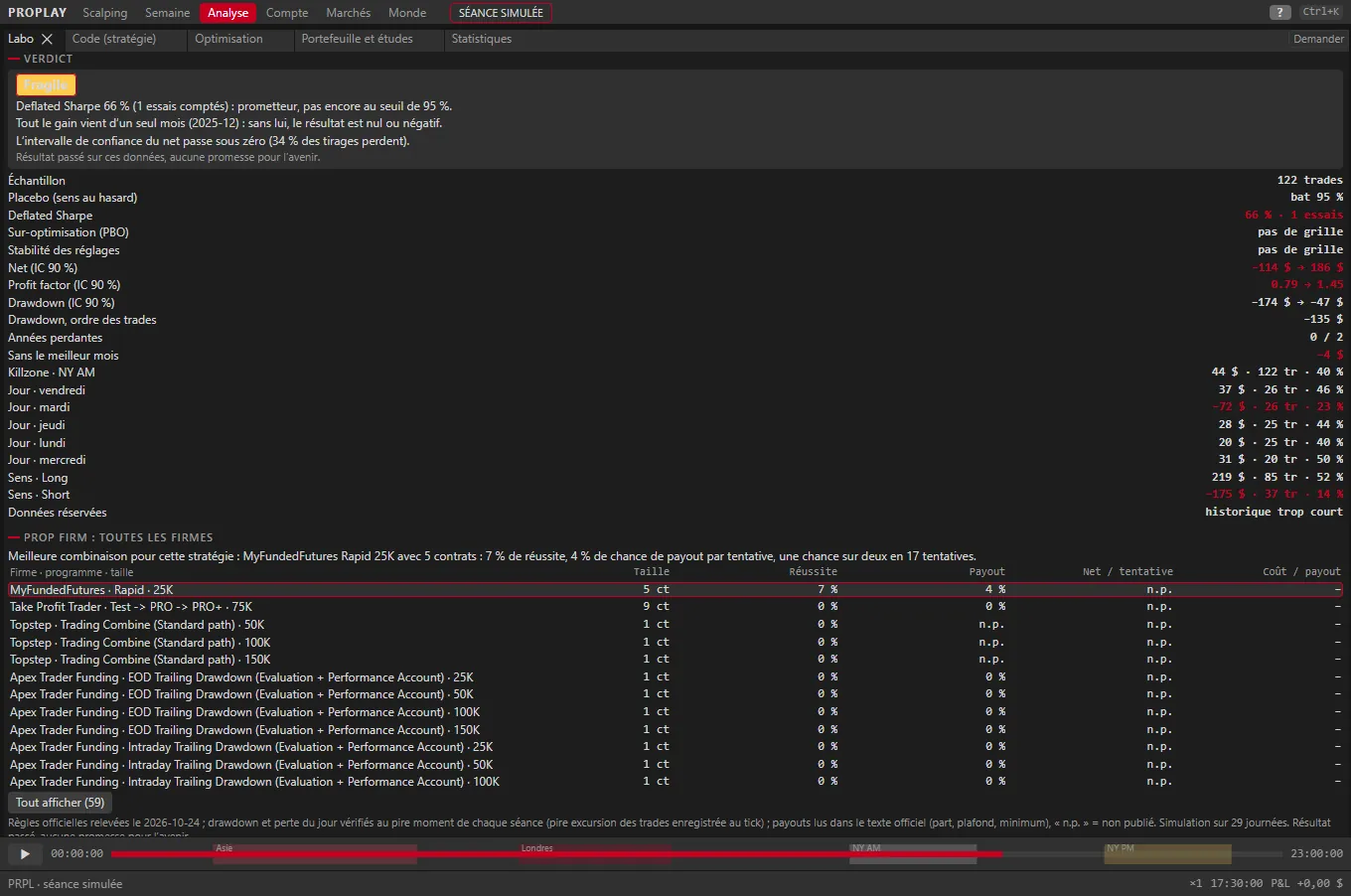
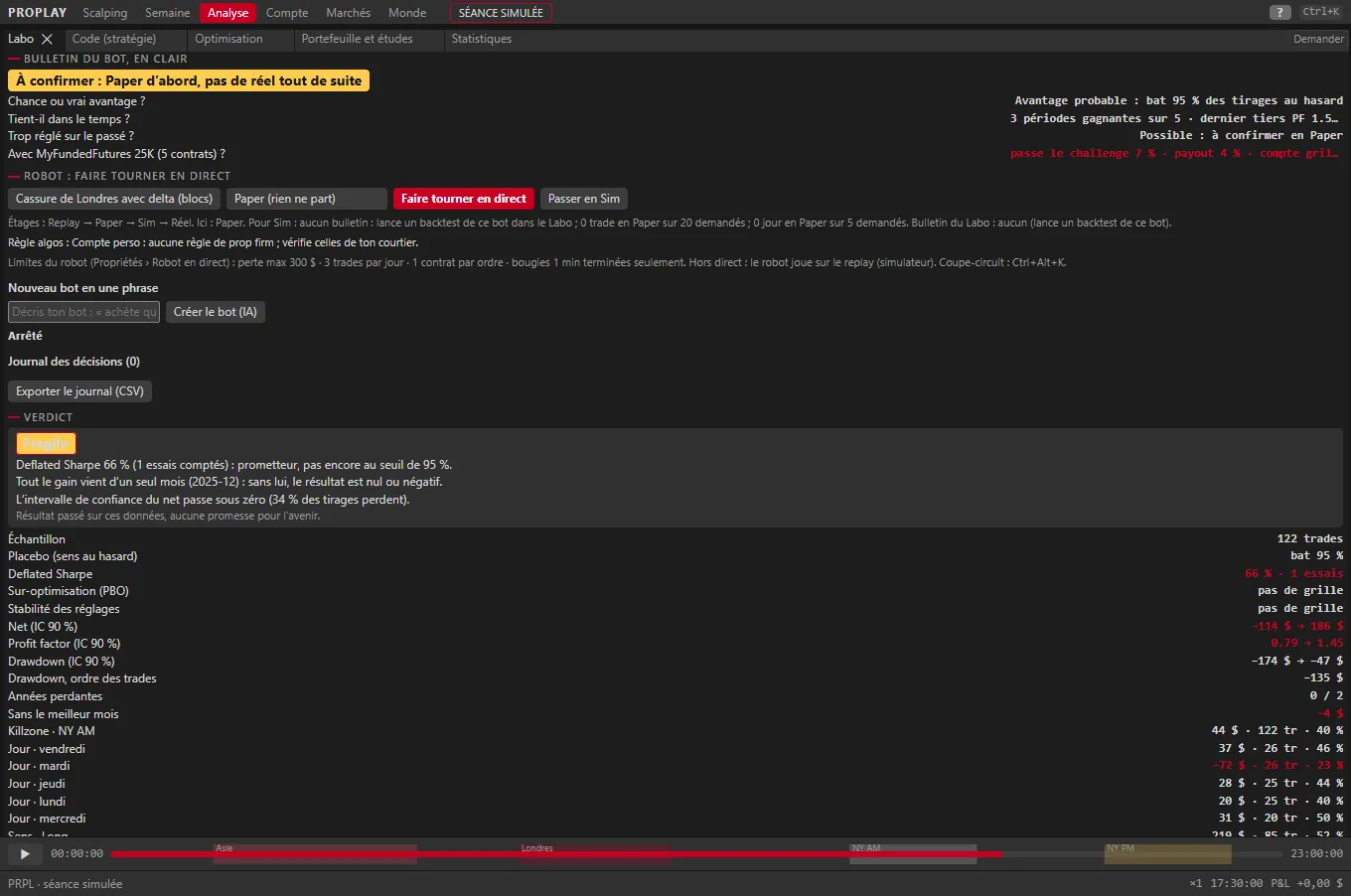
Your strategy holds up, or it doesn't. The report card says so plainly.

A bot is built from blocks (13 conditions, 2 of them on order flow) or from one sentence the AI turns into blocks. What runs in backtest runs exactly the same live.

  • Tick-by-tick backtest: big trades as events, book imbalance, never the future
  • Report card in 4 questions: luck? holds over time? over-tuned? with your firm?
  • Judged with the prop firm's rules: pass, payout, blown account
  • Co-pilot: every entry becomes a suggestion to confirm or skip
  • Replay → Paper → Sim → Live in one click, with a passport: a report card that doesn't look like luck, 20 trades and 5 days in Paper
  • Safeguards: arming, max quantity, daily loss, max bot loss, kill switch, the firm's algo rule
Bot report card

What a report card looks like

  • Does it look like luck?No
  • Does it hold over time?Yes, most periods
  • Over-tuned?Low risk
  • With your prop firm?Rarely passes

Illustration with sample answers, not a real result. In the app, each answer relies on a placebo, a walk-forward, the Deflated Sharpe, the PBO and a Monte Carlo with the firm's rules.

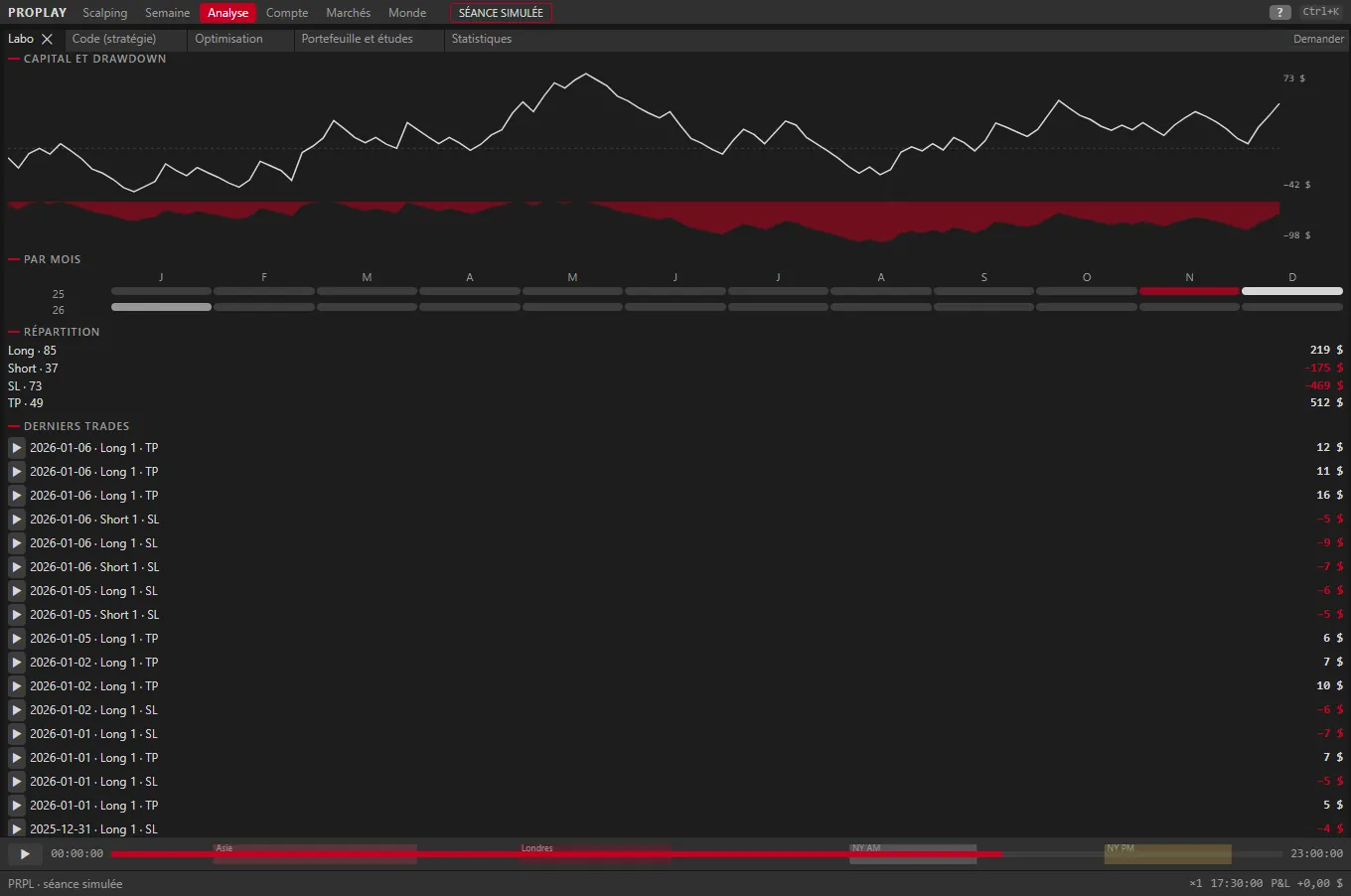
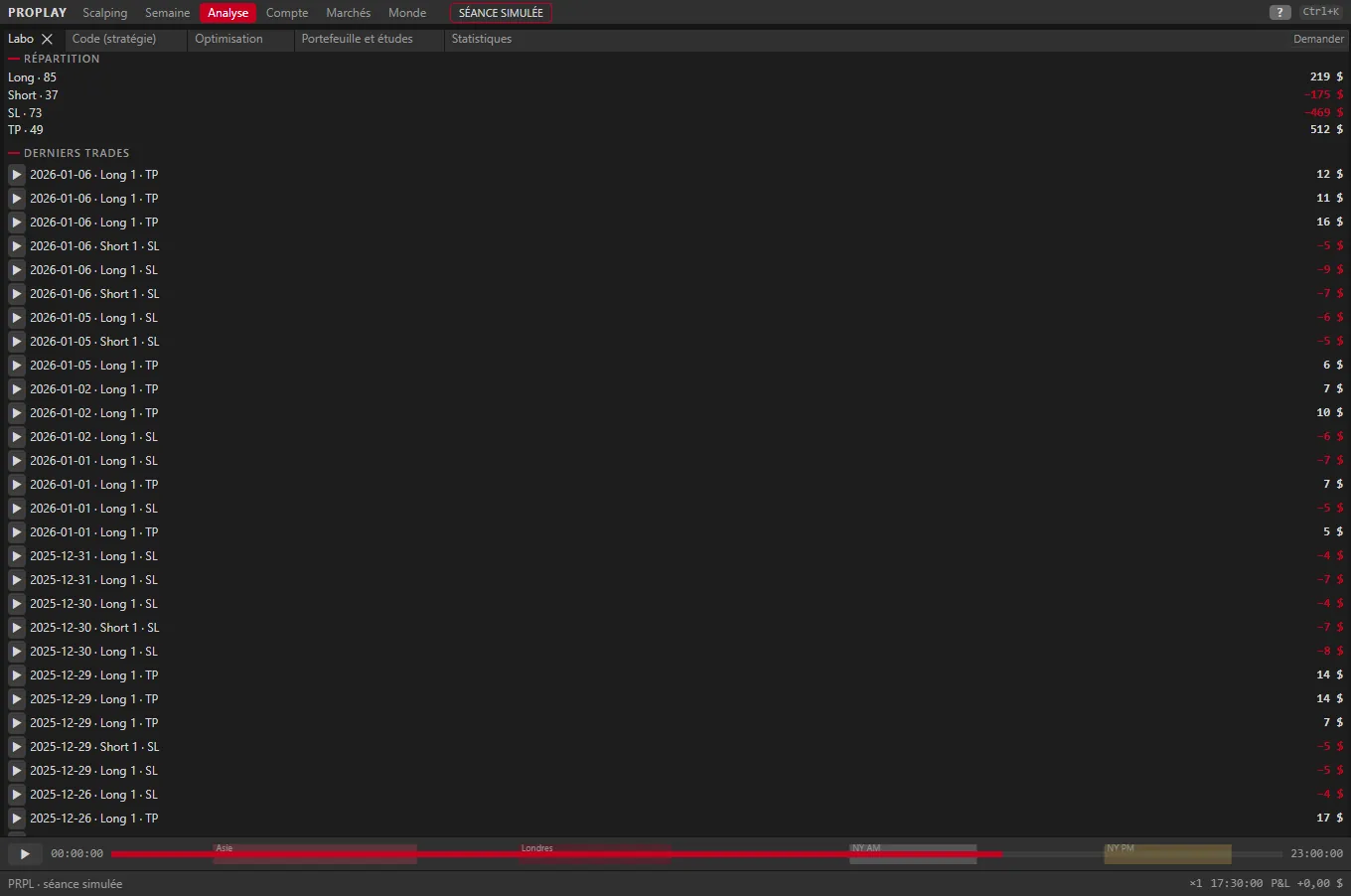
Lab

  • Realistic fills: limit queue, partial fills, slippage
  • Wide optimisation, walk-forward, Monte Carlo, portfolio and event studies
  • Strategy with no code, by the AI or in code, and replay of a trade on the chart
Lab · capturesORDER FLOW
Quant lab

Your strategy holds up,
or it doesn't.

The sample strategy shipped with the app, tested on 30 simulated PRPL sessions. The Lab's verdict: to be confirmed, paper first.
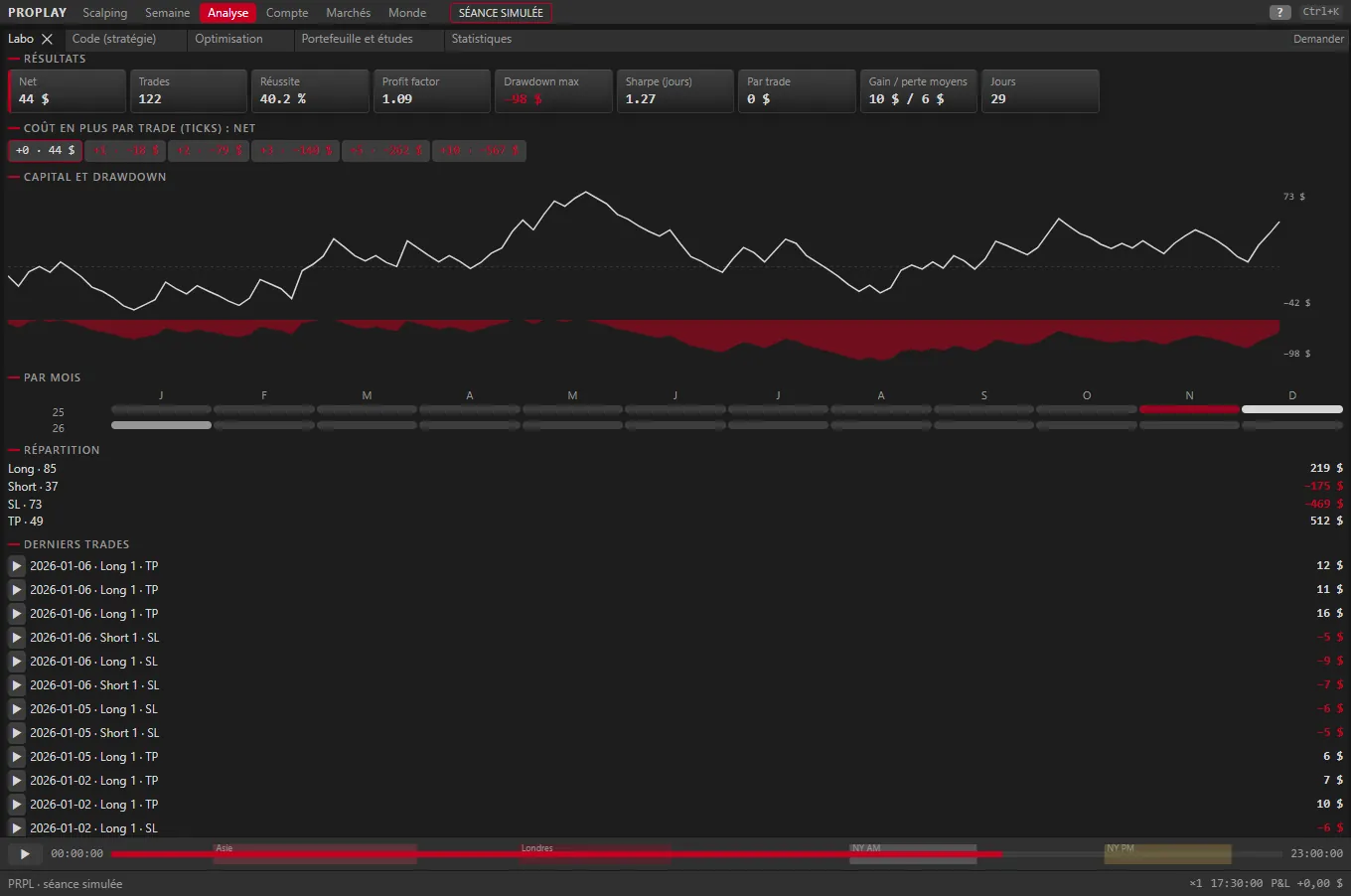
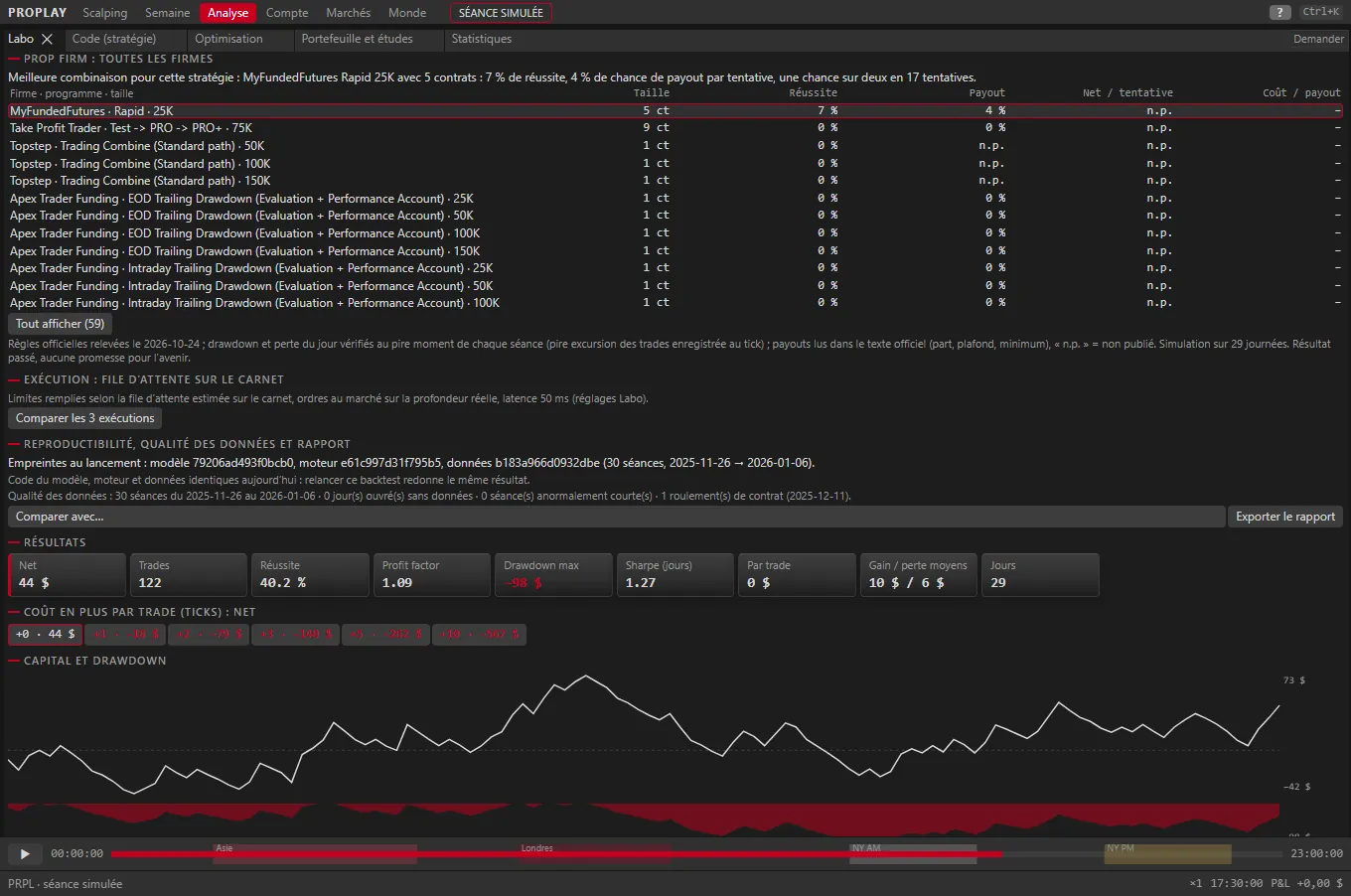
Results
Live tradingTRADING

From replay to the real market, on your own account.

In the TRADING and ORDER FLOW plans, PROPLAY connects to your account: data and orders go through your platform, with your credentials, kept on your PC. A real order only leaves on your click, or through a bot you armed.

Futures

  • Rithmic (compliance passed) and TopstepX
  • Tradovate, and Interactive Brokers for Asian futures
  • Order copying across several accounts, with a max size per follower

CFDs New

  • MetaTrader 5 (terminal open on your PC)
  • cTrader and TradeLocker, with your token or credentials
  • Sizes in decimal lots, the firms' lot limits
  • On CFDs, no fake order flow: flow views say so in their zone

Safeguards

  • Arming before any real order, keyboard kill switch
  • Daily loss and firm rules watched live
  • The AI never places an order
Journal and Lookout (AI)

Measure what actually matters.

  • Journal with screenshots, tags, playbook, P&L calendar, MAE / MFE and guided review
  • Import your real trades (drag-and-drop CSV)
  • Lookout, the AI: Ask button in every zone, debrief, briefing, with its sources
  • The AI reads, explains and suggests; it never places an order
Guided practice

Your mistakes cost nothing here.

  • Moments detected in the session, exercises in hidden mode
  • Scored series and a result compared with chance
  • “First steps” guided tour and five themed tours
Macro and options

Prepare the session.

  • Economic releases on the chart, COT reports, morning briefing
  • Options: GEX, IV, call / put walls, zero gamma, seven views, and the 3D Surface
  • News alerts by keyword
Data

Your data, on your PC.

PROPLAY neither sells nor resells any market data: it reads yours. A simulated session (fictional PRPL market) ships with the app to explore it.

  • Your prop firm or broker feed: Rithmic, TopstepX, Tradovate, MetaTrader 5
  • Tick history with your own key (Databento, Massive), price shown before any purchase
  • File import: NinjaTrader, CSV, crypto
  • Rotating backups and safe mode
InterfaceCtrl+K · N · Ctrl+Z

Designed like pro 3D software.

  • Zones you split, move and save as workspaces
  • Command palette (Ctrl+K or F3), remappable shortcuts
  • Properties panel: Simple by default, about 1,300 settings in Expert mode
  • Ctrl+Z everywhere, layout and settings included
  • 9 styles, French and English, detached windows across several screens
Get started

The easiest way: try it.

The web demo replays the simulated session with the chart, book, heatmap, footprint, 3D and challenge mode.